
Gate Remote vs. Access Control System: Is That Really the Choice?
A clicker, a wireless keypad, a phone app and a telephone entry system are all the same kind of thing — an access-control device wired to the same activation input on your gate operator. The real question isn’t remote-or-access-control, it’s which device (or combination) fits how many people need access — and that choice has nothing to do with the separate safety sensors UL 325 requires either way.
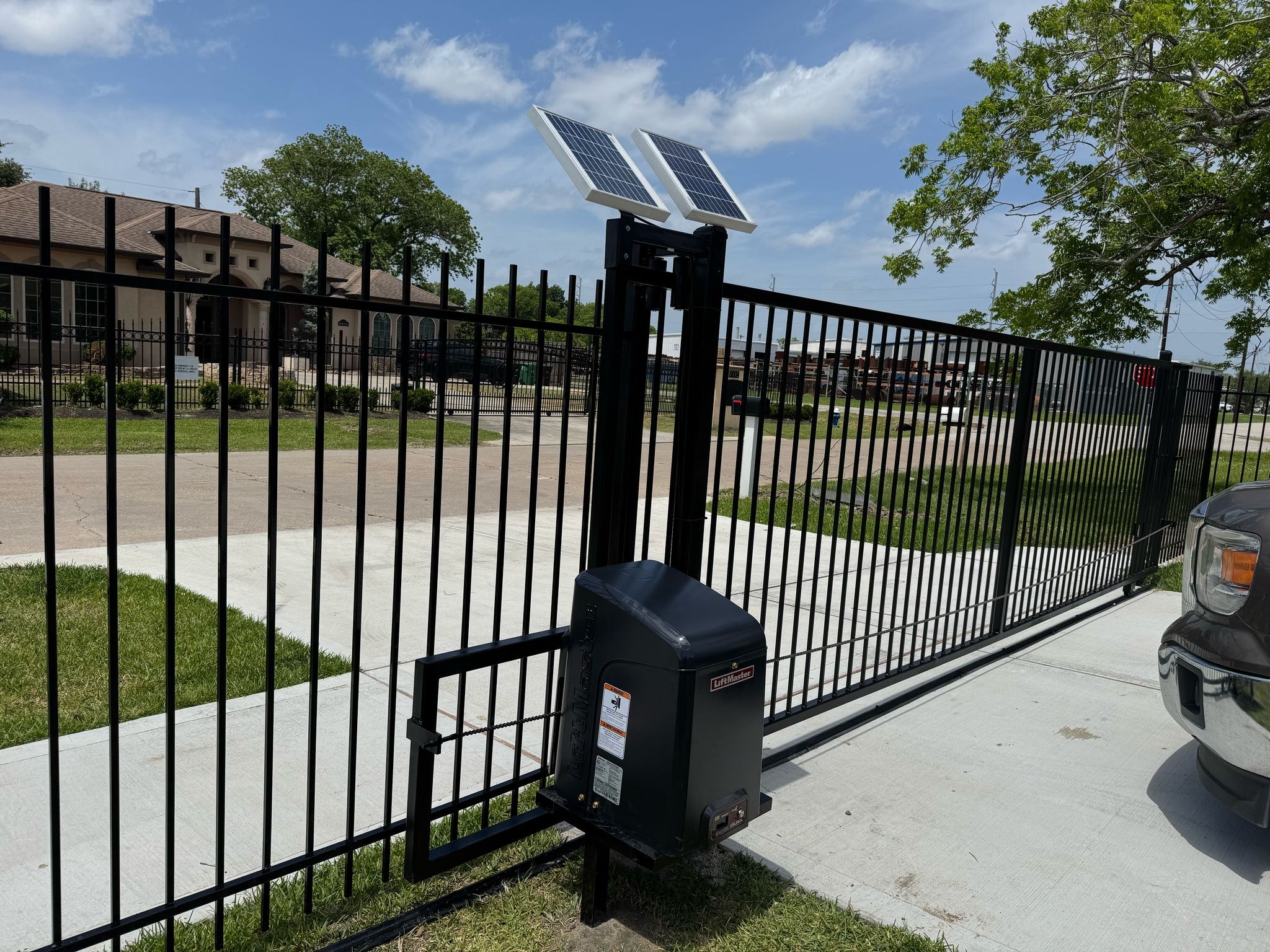
A “gate remote” isn’t a separate category from “access control” — it’s one access-control device among several, and the real safety requirement sits elsewhere. LiftMaster’s own CSW24UL gate operator manual lists remotes, wireless keypads, smartphone-app control and telephone entry as interchangeable options wired to the same EXIT activation terminal — and labels that terminal, in its own words, “NOT TO BE USED AS ENTRAPMENT PROTECTION.” UL 325 separately requires monitored entrapment-protection sensors (photo eyes, edge sensors) no matter which access device you choose. Below: the operator’s own device limits, UL 325’s four usage classes, and a quick fit-finder for your situation.
Sources: LiftMaster CSW24UL swing gate operator manual (c. 2022); DASMA TDS 353 (rev. 1/25), UL 325 provisions. Both checked Oct. 22, 2026.
A gate remote is one access-control device, not the opposite of one
It’s an easy phrase to misread — “gate remote vs. access control system” sounds like a choice between two different kinds of systems. It isn’t. A remote clicker, a wireless keypad, a smartphone app and a telephone entry/intercom system are all access-control devices: anything that sends an “open” command to the gate operator. LiftMaster’s own CSW24UL manual wires every one of them to the same input — labeled EXIT on the control board — and describes it as covering “exit probe, telephone entry, external exit loop detector, or any device that would command the gate to open.” A remote is simply the most common version of that device, not a rival category to “access control.”
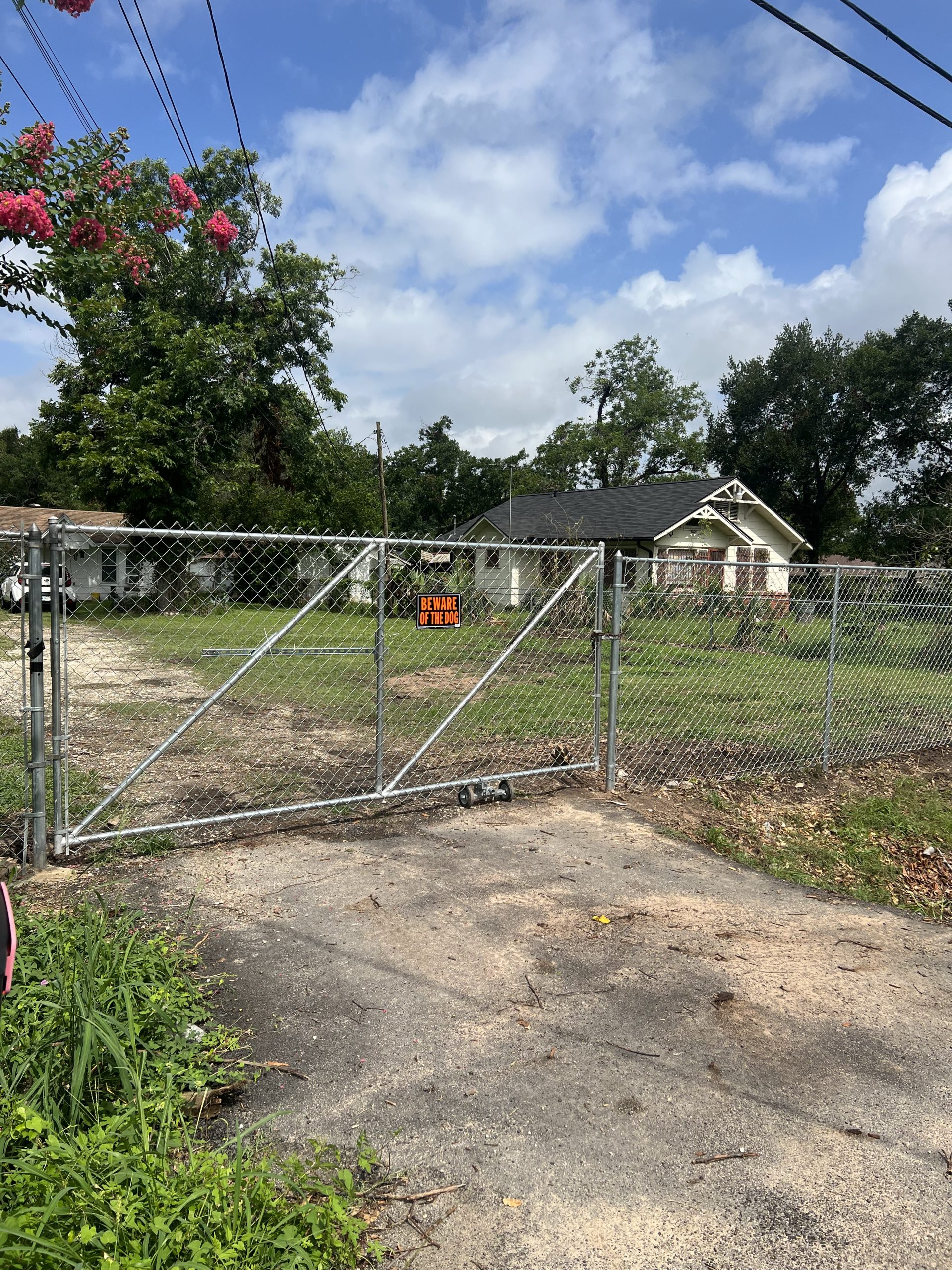
UL 325’s four usage classes shape which access devices actually make sense
Gate operators themselves are rated by UL 325 into four usage classes based on who uses the gate and how controlled the setting already is. A residential driveway (Class I) and an airport’s guarded perimeter (Class IV) don’t need the same access-control approach, even though both might use an operator from the same manufacturer. The class doesn’t dictate the access device, but it’s a useful way to think about what actually fits a given site.
Access-control devices on this operator, compared
| Device | How it activates the gate | Capacity on this operator | Good fit for |
|---|---|---|---|
| Remote control (clicker) | Security+ 2.0® rolling-code radio signal to the receiver | Shares a 50-device pool with keypads | Drivers who always have the remote in the vehicle |
| Wireless keypad (KPW250) | PIN entered at the gate, radio signal to the receiver | Shares the same 50-device pool | Guests, staff, or renters without a remote |
| Keyless entry PIN | PIN entered at a keypad, on a separate limit | Up to 2 PINs, independent of the 50-device pool | A couple of easily-changed one-off codes |
| Smartphone app (MyQ®) | Command sent over the internet to the operator | Added accessory, doesn’t replace another device | Remote monitoring or opening without a physical device |
| Telephone entry / intercom | Wired to the EXIT terminal, same as a keypad | One device, wired (not part of the 50-slot pool) | Visitors who need to be let in by voice, without a code |
LiftMaster CSW24UL manual, Remote Controls and Accessory Wiring sections. Figures are this specific operator’s published limits, not a universal standard across all gate operator brands.
Programmable device limits on this gate operator
Two separate pools: remotes/keypads share one limit, keyless-entry PINs have their own, smaller one.


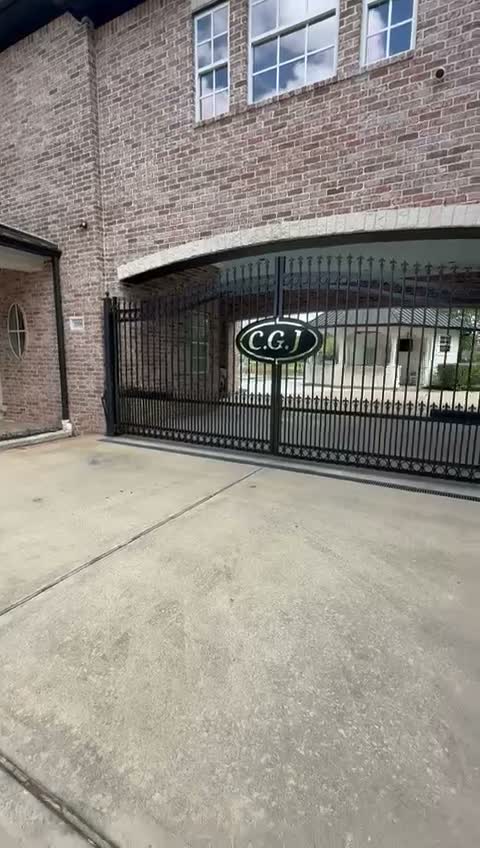
Access control doesn’t replace entrapment protection — and the reverse is true too
This is the part worth not skipping. However many access-control devices a gate has, UL 325 separately requires at least two independent means of protecting against entrapment in each direction of travel where there’s a risk of entrapment, and every external one of those devices must be monitored — the operator has to verify each sensor is present and working on every open and close cycle. LiftMaster’s manual spells out the same line this page leads with: the EXIT terminal that access-control devices wire into is explicitly “NOT TO BE USED AS ENTRAPMENT PROTECTION.” Adding more access-control sophistication — a card reader, an app, an intercom — doesn’t add any entrapment protection, and it isn’t supposed to. Those are two separate systems on the same gate, and both are required, independently, by UL 325.
Which access devices fit your gate?
A quick, rule-of-thumb starting point based on how many people need their own access and what this gate is for — not a substitute for a site visit.
Capacity figures (50 remote/keypad slots, 2 separate keyless-entry PINs) are this operator’s own published limits (LiftMaster CSW24UL manual). General guidance only — ask your installer to confirm what fits your specific gate and operator.
Not sure which access devices your gate actually needs?
We’ll look at who needs access, whether it’s a household or a shared property, and set up remotes, keypads, or an app — alongside the entrapment protection every gate operator needs regardless.
What Galveston customers say
5.091 Google reviews · read them all on Google
True professionalism is very rare in this day and age, these guys live upto their word and deliver on their service! Our fence was down in the July storm and these guys came and gave a reasonable quote, after confirming I received a time line and they delivered! Will recommend them to everyone I know who needs fencing done.
Excellent work. They came in handy after the hurricane hit our backyard. Friendly people too.
Very professional and friendly. Gotten automatic gates done and they are done to perfection! Thank you
Reviews shown word for word from the Mustang Fencing Services Google Business Profile (Galveston), captured 2026-10-19.
Questions we get about this
Is a gate remote the same thing as access control?
Does adding a fancier access control system make my gate safer?
How many remotes can one gate operator hold?
Can I open my gate from my phone?
What’s the difference between a wireless keypad and a telephone entry system?
Do commercial gates need different access control than a house?
Sources
Checked October 22, 2026. Rules change, so confirm with the City before you build.
- LiftMaster CSW24UL swing gate operator manual (c. 2022) — Remote Controls (Not Provided) section — 50-device combined limit, 2 keyless-entry PINs, 315/390/433.92 MHz frequencies, MyQ compatibility; Accessory Wiring section — EXIT terminal definition and “NOT TO BE USED AS ENTRAPMENT PROTECTION” label.
- DASMA TDS 353 (rev. 1/25), UL 325 provisions reprinted from the 7th edition — UL 325 Class I-IV usage definitions; the 2-independent-means and monitoring requirements for entrapment-protection devices; the no-field-modification rule.
Planning an automatic gate in Galveston County?
We’ll talk through your household or business access needs, set up the right mix of remotes, keypads, or app control, and make sure the required entrapment protection is wired and monitored correctly.