
How to Program a New Remote to Your Gate Opener
Most driveway and commercial gate operators pair a new remote the same general way: a LEARN button on the control board, an indicator LED that tells you when it is listening, and a short window to press the remote’s button. The exact button combo and LED color vary by brand – this page walks through one well-documented commercial operator’s manual so you can see the real shape of the process, not a guess.
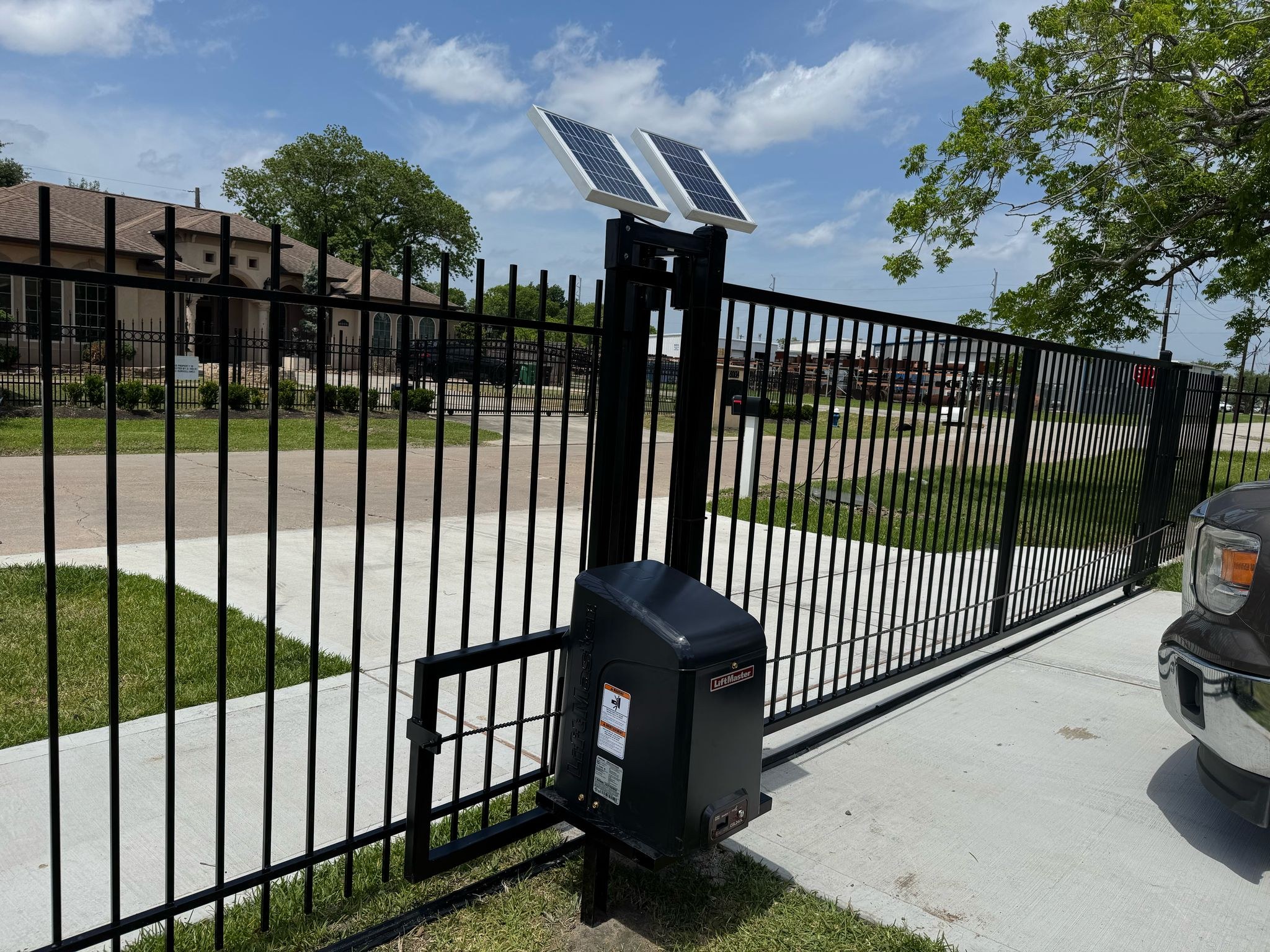
Programming a new remote to a gate operator almost always comes down to the same shape: find the LEARN button on the control board, press it to open a short pairing window (an indicator LED tells you it’s listening), then press the button on the new remote before that window closes. On one well-documented commercial operator – the LiftMaster CSW24UL – that window is as short as 30 seconds for the simplest single-button setup, the board listens on one of 3 radio frequencies at a time, and holding the LEARN button for about 6 seconds wipes every stored remote and keypad code at once. Button layout and LED colors differ by brand, so treat this as the general pattern and check your own operator’s manual for the exact sequence.
Source: LiftMaster CSW24UL Commercial DC Swing Gate Operator installation manual, “Programming” and “Troubleshooting” sections. Checked October 12, 2026.
The general process
Most gate operators have a “Learn” or “Program” button on the control board near the motor, sometimes under a small access panel. Press and release it, and an indicator LED changes state to show the board is ready for a new remote. On the commercial operator this page is grounded on, that LED is green and is called the XMITTER LED. Press the button on the new remote within the pairing window – as short as 30 seconds on a single-button setup – and the board confirms with another beep and LED change. Test the remote immediately, before assuming the job is done.
Remote programming is one small piece of a bigger system. Mustang Fencing Services installs and services electric gate operators and access control across Galveston County, including keypads and other automation beyond the remote itself.
Why won’t my gate remote program?
Answer a few questions based on common gate-operator troubleshooting steps (see the LiftMaster CSW24UL manual, cited below). This points you toward the likely cause – it isn’t a diagnosis for your specific operator, and some brands differ in the exact button/LED sequence.
General troubleshooting guidance, not a diagnosis for your specific gate – based on the LiftMaster CSW24UL commercial swing gate operator manual’s programming and troubleshooting sections. Checked October 12, 2026.

Why it sometimes doesn’t work on the first try
A handful of causes account for most failed pairings. The remote’s own battery can be weak – worth swapping before anything else. You can also be too far from the receiver, or dealing with poor radio reception or a damaged or poorly grounded antenna; an ungrounded operator both loses remote range and becomes more vulnerable to lightning and surge damage. The programming window can simply time out before you press the remote’s button, which just means starting the sequence over. And the operator’s memory for stored remotes is limited: on some boards, pairing a new one when memory is full erases the oldest code automatically, while on others the board exits programming mode without pairing anything until you clear space.
Don’t mix up two different batteries: the remote’s own small battery, and the operator’s backup battery (the one behind the 3-beep low-battery alarm, typically swapped every few years). A dead operator backup battery won’t stop remote pairing, but it will eventually stop the gate from running at all during a power outage.
When to check the manual instead of guessing
The specific button sequence, LED colors and timing windows differ between manufacturers, and sometimes between models from the same manufacturer. This page is grounded on one real commercial operator’s manual so the steps and numbers are accurate for that unit – not a universal spec. Most manufacturers publish their manuals online if the physical copy is lost, and checking it before troubleshooting blind saves time.
Need the gate itself looked at, not just the remote? We service and automate driveway gates and electric gate operators across Galveston County, and our automatic gate safety guide covers the UL 325 / ASTM F2200 standards that govern how these systems are built and monitored.
What customers say on Google
5.091 Google reviews · read them all on Google
We just installed iron gate and it looks amazing thank you very much mustang fencing .
Very professional and friendly. Gotten automatic gates done and they are done to perfection! Thank you
Mustang’s team installed iron fence for me and did an absolutely incredible job! I would recommend this company to anyone I know!
Reviews shown word for word from the Mustang Fencing Services Google Business Profile (Galveston), captured 2026-10-12.
Questions we get about this
Why won’t my new remote program to the gate opener?
Is the programming process the same for every gate opener brand?
How long do I have to press the remote button after starting the LEARN sequence?
What erases all the remotes stored on a gate operator?
Can I program a remote myself, or do I need a technician?
Why does my gate opener beep three times on its own?
Sources
Checked October 12, 2026. Rules change, so confirm with the City before you build.
- LiftMaster CSW24UL Commercial DC Swing Gate Operator installation manual (2022) — “Programming” (single/multi-button remote pairing, network pairing, frequency selection), “Erase All Transmitter and Keypad Codes”, control panel component descriptions, battery and grounding notes, and the “Troubleshooting” table’s wireless-control row.
- DASMA TDS 356, UL 325 and Gate Installations: FAQ — general context on gate operator safety devices and monitored inputs referenced alongside the remote-pairing steps.
Ready for a real look at your gate, not just the remote?
We service, repair and automate driveway and electric gates across Galveston County. Call or request an estimate and we’ll take a look at the whole system.